
Textures and 3D Models for CGI, Games and Archviz | Free CC0 PBR Assets
2 months ago
Why Textures and 3D Models Matter
Many artists spend weeks modeling an object only to discover that the final render still feels artificial. The missing ingredient is usually the surface.
Wood has tiny scratches. Concrete contains subtle color variations. Metal develops fingerprints and oxidation. Fabric reflects light differently depending on its weave. These small details are what make viewers believe a digital object exists in the real world.
A carefully scanned material combined with a clean 3D model often produces better results than spending hours painting procedural details from scratch.
Production Tip
Professional artists rarely build every asset from zero. Production pipelines rely on reusable material libraries, scanned surfaces and optimized asset collections. This approach keeps projects consistent while dramatically reducing production time.
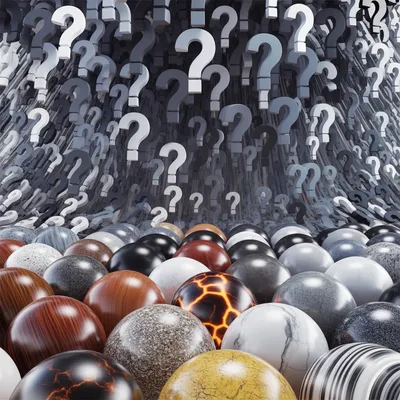
What Makes a Good PBR Texture?
Physically Based Rendering allows materials to react naturally to light across different render engines.
A complete PBR material usually includes several texture maps working together instead of relying only on a color image.
Free PBR textures have become the standard choice for Blender artists, game developers and architectural visualization because they behave consistently across modern render engines.
Choosing the Right 3D Models
A beautiful material cannot fix poor geometry. Likewise, perfect modeling cannot compensate for unrealistic surfaces.
High quality free 3D models usually share several characteristics.
- Clean topology
- Reasonable polygon density
- Proper UV mapping
- Consistent scale
- Organized object naming
- Ready for modern rendering workflows
For real production work, artists often modify downloaded assets instead of using them exactly as provided. Changing proportions, replacing materials or combining multiple models is a common part of the workflow.
CC0 Assets Save More Than Money
Licensing becomes surprisingly complicated during commercial projects.
Different websites use different restrictions. Some require attribution. Others prohibit redistribution or commercial work.
CC0 textures and CC0 models remove these concerns. You can use them in commercial renders, games, animations, architectural visualization and client work without worrying about future licensing changes.
Free PBR Textures
Stone, wood, fabric, concrete, metals, ground surfaces, tiles and many other scanned materials ready for production.
Free CC0 3D Models
Furniture, decorations, vegetation, props and production ready assets suitable for visualization and games.
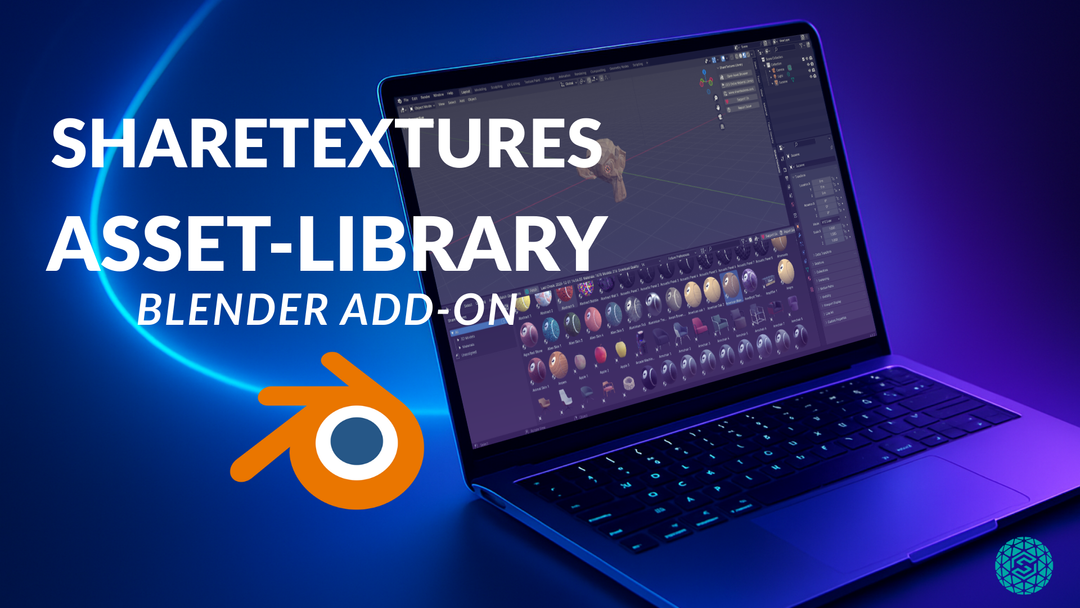
Compatible with Popular 3D Software
Most modern rendering software supports physically based materials, making it easy to move assets between different applications.
| Software | Typical Usage |
|---|---|
| Blender | Rendering, modeling, animation and procedural workflows. |
| Unreal Engine | Games, cinematics and virtual production. |
| Unity | Games, mobile applications and interactive experiences. |
| SketchUp | Architectural visualization and concept presentations. |
| Other 3D Software | Cinema 4D, Maya, 3ds Max, Houdini, Rhino and many more. |
How Artists Build Realistic Scenes Faster
After working with hundreds of materials, one pattern becomes obvious. Artists who organize reusable libraries finish projects much faster than artists who collect assets separately for every scene.
A practical workflow usually looks like this:
- Choose the main hero assets.
- Select matching scanned materials.
- Adjust roughness and color to fit the scene lighting.
- Add small imperfections only where viewers notice them.
- Reuse the material library across future projects.
This keeps visual consistency while avoiding repetitive work.
Frequently Asked Questions
CC0 textures are public domain materials that can be used for personal and commercial work without attribution.
Yes. When distributed under a CC0 license they can be used in commercial renders, games, animations and client projects.
Yes. Blender fully supports modern PBR workflows and works perfectly with Base Color, Normal, Roughness, Ambient Occlusion and Height maps.
The assets are suitable for Blender, Unreal Engine, Unity, SketchUp, Cinema 4D, Maya, 3ds Max, Houdini and most modern 3D software that supports physically based rendering.
Scanned materials contain natural imperfections that are difficult to reproduce manually. Many artists combine scanned textures with procedural adjustments to achieve realistic results while maintaining flexibility.
What are CC0 textures?
Are free PBR textures suitable for commercial projects?
Can I use these textures in Blender?
Which software supports these assets?
Why choose scanned textures instead of procedural materials?